Make team communication simple, unified, and on-brand

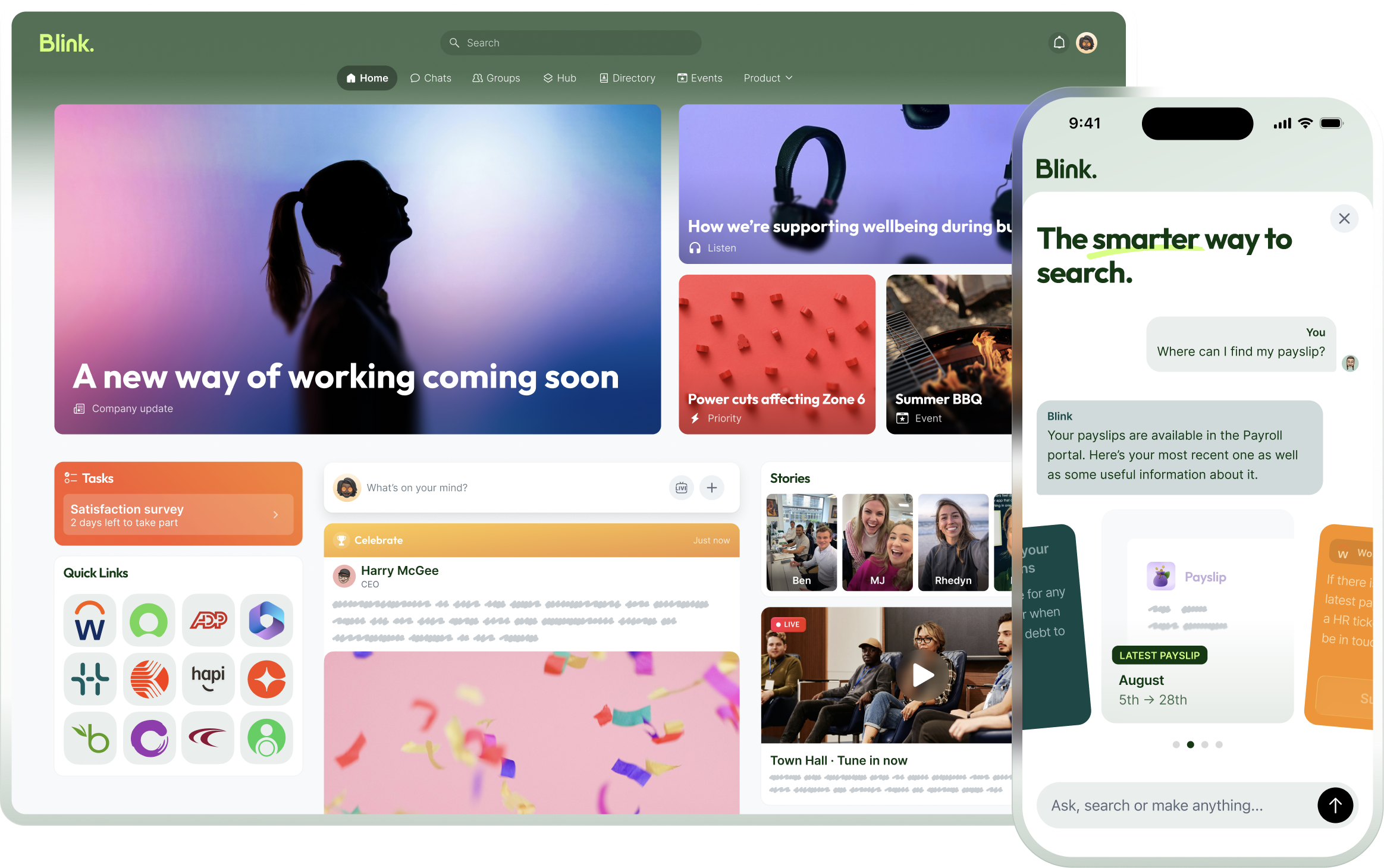
Introducing Blink, a mobile-first product for deskless teams, uniting Chat, Feed, a work wiki for documents, policies, and information, plus seamless access to all your other tools. Our users open the app 7x per day on average.


✅ Launch in 1 day

✅ Automatically Branded

✅ 90%+ frontline adoption

Two smartphone screens showing Blink app: left screen with news and stories including an event reminder, right screen with group chat containing text, images, and a voice message.

Common challenges for growing businesses

As you add locations, alignment breaks and messages get missed

Dispersed comms (WhatsApp, SMS, email, word of mouth) can lead to missed updates, weak collaboration across sites, and drifting culture as you scale.
❌ Critical updates get missed and reach is reduced to guesswork
❌ Collaboration breaks down across multiple sites, roles, and shifts
❌ Keeping a consistent culture and shared standards gets harder as you scale

You’ve tried WhatsApp, but that just doesn’t cut it anymore

❌ Zero work-life balance for your team — employees can’t switch off
❌ Zero administrative control with constant privacy and GDPR headaches
❌ Information chaos as WhatsApp is one-dimensional and unstructured
❌ Brand and IP risk relying on a personal app blurs professional lines and could result in unwanted sharing on social media
❌ Lack of automation as everything is manual
The solution

What you can achieve with Blink in less than a week

Day 1

Launch your own branded app, reach everyone in one day

When you sign up, Blink auto-brands the experience using your work domain.

Follow the Blink Launch Kit and speak to our experts to get onboarded successfully.

Invite employees in bulk via SMS, email magic link, or SSO login.
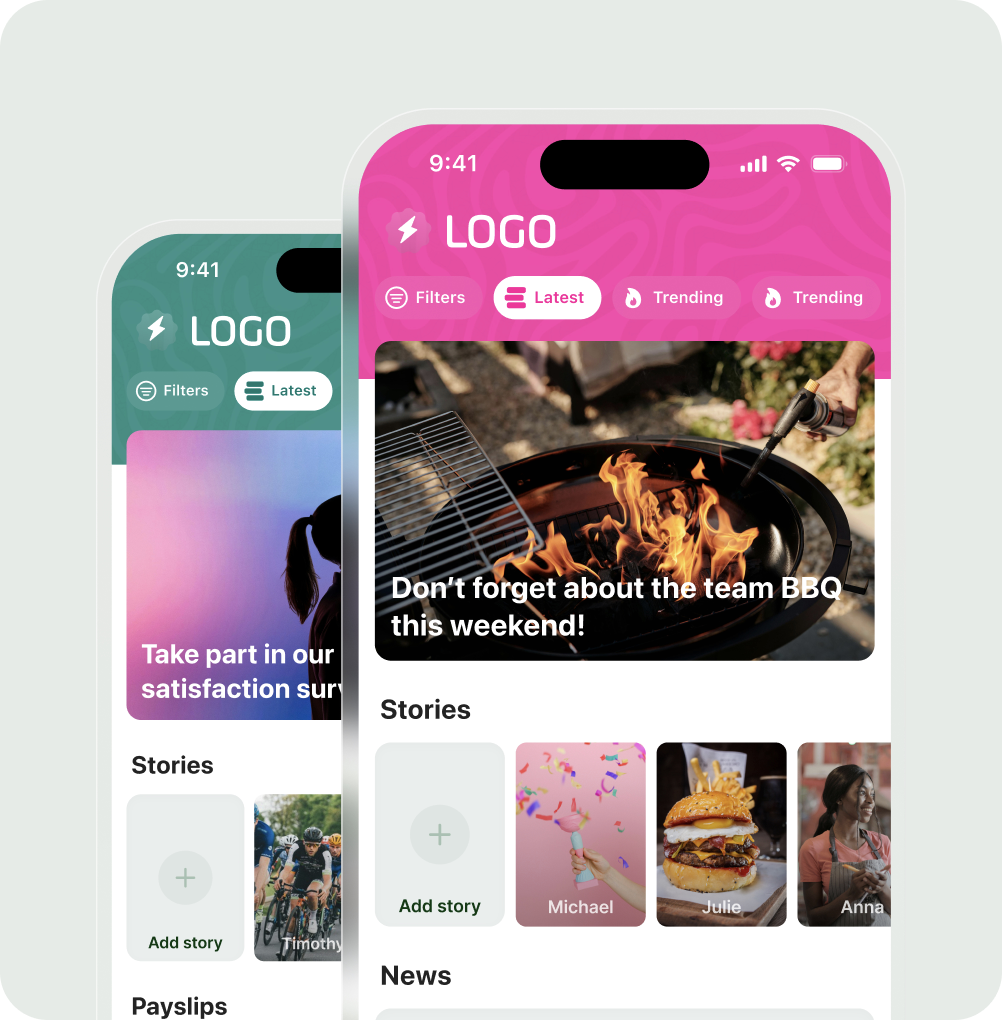
Two smartphone screens showing a social app interface with a BBQ event announcement and stories featuring images of people, confetti, a burger, and a woman.

🎨 Auto branding

Pull logo and colors from your domain for an instant on brand feel.

🔗 Magic links

Bulk invite by SMS or email. Tap once and everyone gets auto-logged in.

🧰 Launch kit

A step-by-step rollout playbook, self serve with optional help from Blink.
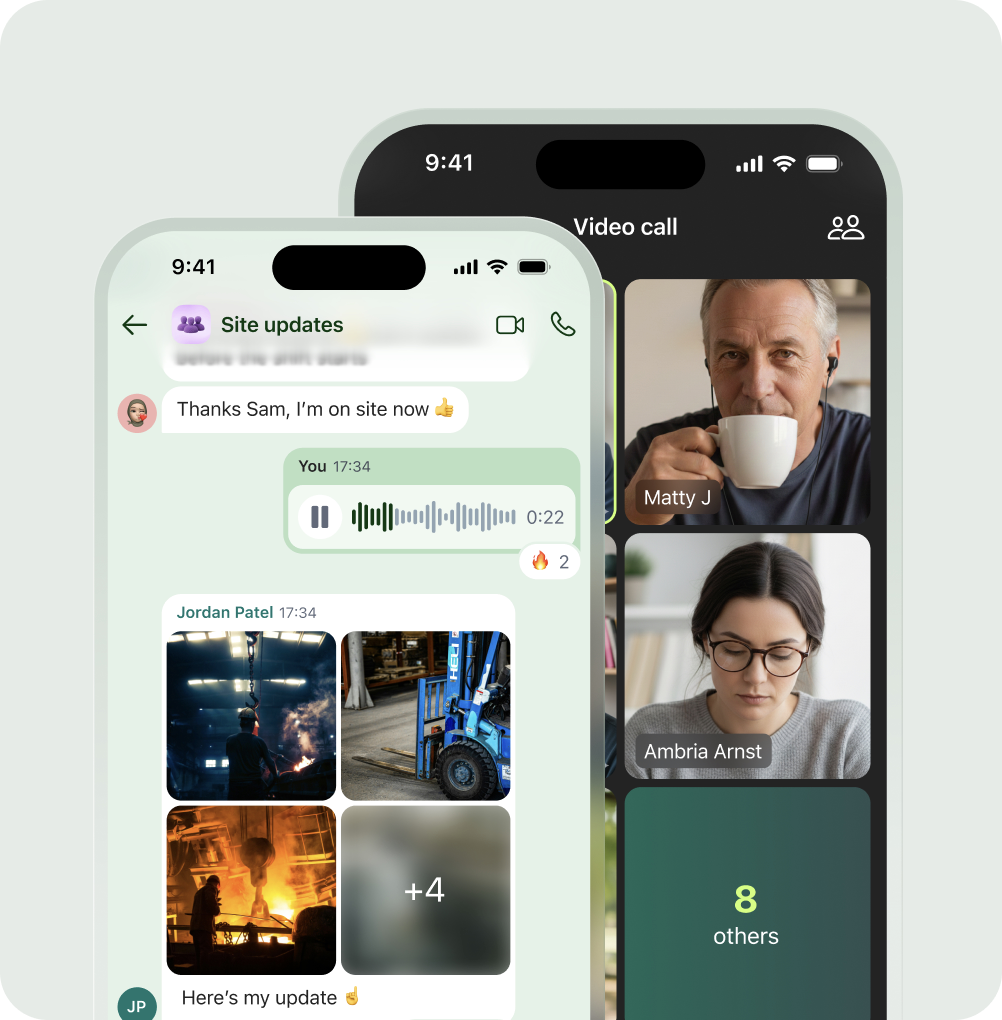
Two smartphone screens showing a group chat named 'Site updates' with text, voice message, and industrial photos, alongside a video call interface with two participants and a label showing 8 others.
Day 2

Connect and communicate

Bring day-to-day coordination into one mobile-first chat, organized into clear groups and channels so people know where to talk. Share and find what you need fast with better search, and let employees set notification preferences so updates land the right way.
Groups and channels
Consumer-grade chat, with voice and video calling
Search across the whole platform
Private and encrypted
Customisable do-not-disturb hours for off-shift control
Day 3

Automate adding people to the right teams and communities

Sync employees automatically from your HRIS or add directly to Blink, then create teams for any location, role, department, shift or custom field of your choice. Add opt-in Communities for cohorts and interest groups.

Use dynamic joining rules so new starters and movers land in the right places automatically. This structure keeps everything relevant across Feed, Chat, and Hub.

Never add employees manually again.
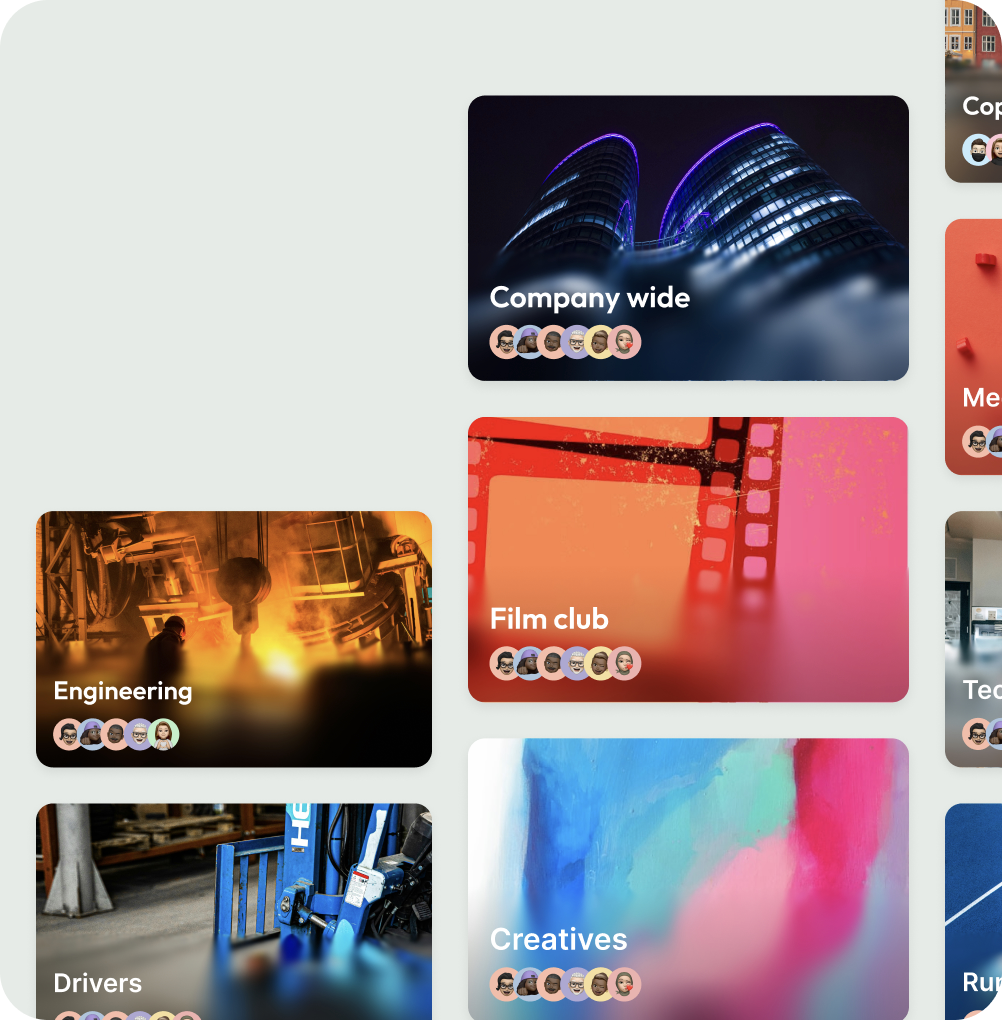
Collection of team cards showing groups like Company wide with illuminated modern buildings, Engineering with glowing industrial machinery, Film club with abstract film strip, and Creatives with colorful abstract art.

👥 Teams

Company-defined groups for sites, roles, departments, and shifts.

💬 Communities

Opt in spaces like New Managers or Wellbeing.

⚡ Auto join

Rules handle membership automatically, so admins stop adding and removing people by hand.
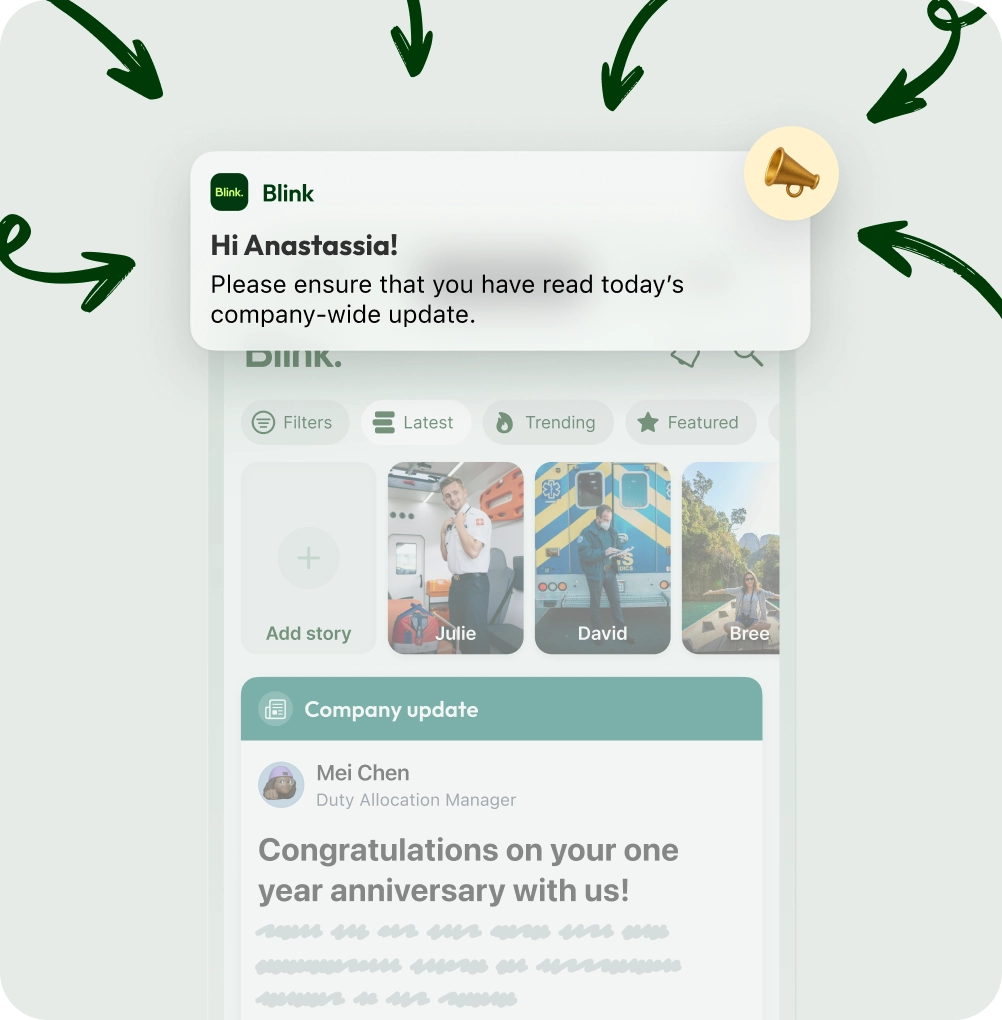
Mobile app screen showing a company update notification greeting Anastassia and congratulating a one-year anniversary from Duty Allocation Manager Mei Chen.
Day 4

Personalize by sending updates people understand without noise

Publish company wide or targeted posts by team, location, role, or community so the right people see the right updates. Enable comments and reactions to encourage a two-way conversation and give your team a voice. Keep day-to-day coordination in Chat, with automatic translation across 30+languages and AI-powered Blink Assist to help managers draft posts in the right tone.

🎯 Targeted feed

Send the right update to the right group so everyone else stays focused.

🌍 30+ languages

UI and posts translate to device language so multilingual teams get the same message.

✨ AI drafting help

Get help generating announcement copy and guidelines so posts are ready to publish faster.

🔔 Personalized notifications

Workers set notification preferences, and you choose who gets notified for each announcement.

Day 5

Simplify the frontline experience by providing one-click access to everything your frontline needs

Build an information hub your team actually wants to use, with SOPs, policies, manuals, and digital forms. Add tiles to the systems you already use like payroll, scheduling, LMS, and benefits. With Blink Identity, employees tap once and get secure password-free access with single sign-on.

By making their lives easier every day you foster trust and keep them coming back. You can then be confident key messages get through because you’re meeting people where they are.
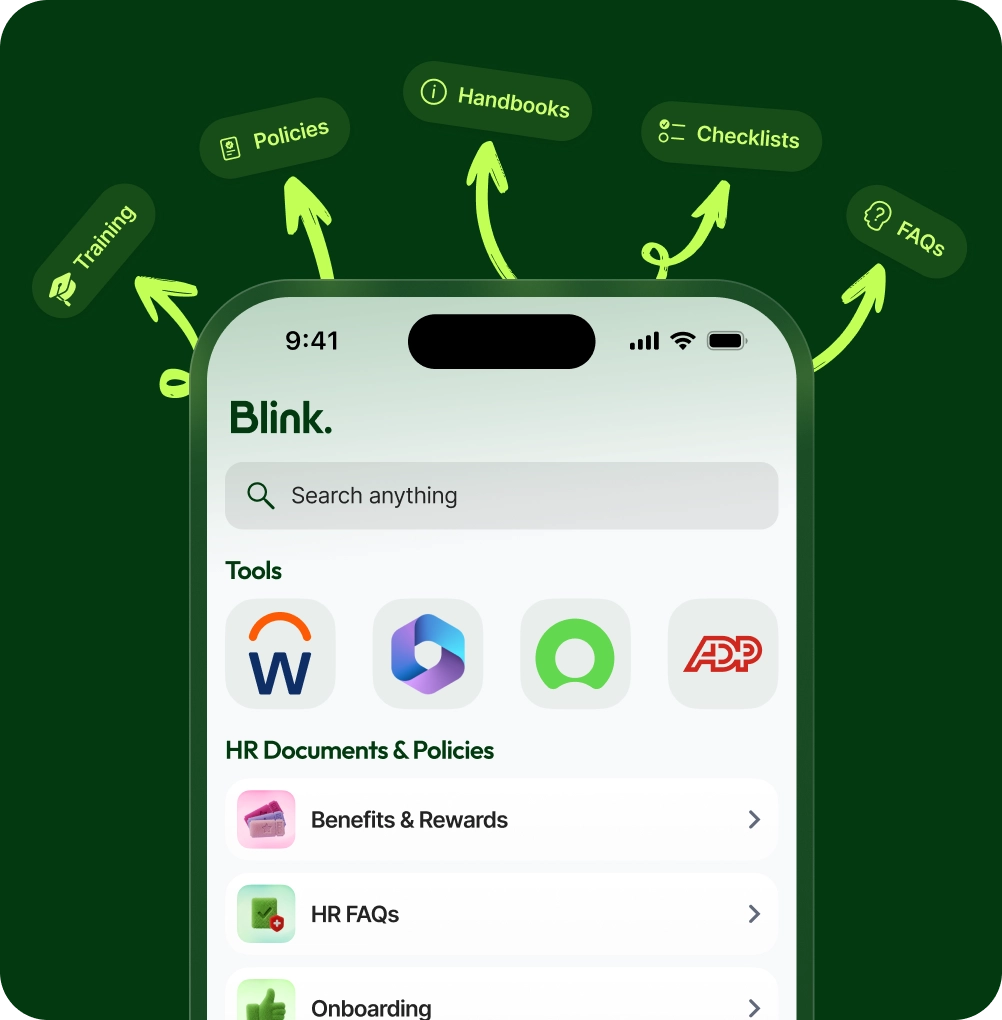
Mobile screen displaying Blink app with search bar, tools icons, and HR Documents & Policies list including Benefits & Rewards, HR FAQs, and Onboarding, surrounded by arrows pointing to handbooks, policies, checklists, FAQs, and training labels.

Hub tiles

Embed your best-in-breed tools as simple tiles so people stop hunting across apps.

Single sign-on

Blink Identity gives click through access so frontline teams do not juggle passwords.

Targeted hub

Tailor Hub content by team, community, or location so each employee sees what matters.
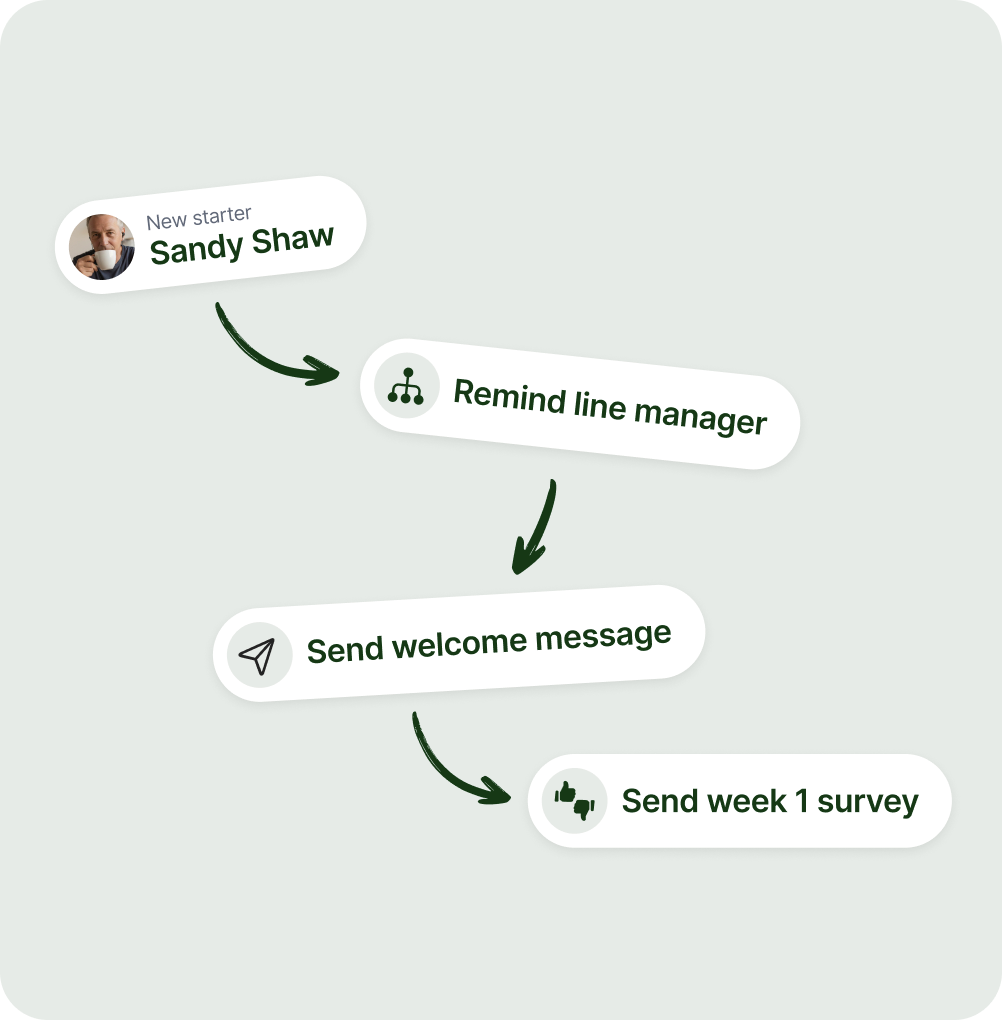
Flowchart showing onboarding steps: new starter Sandy Shaw, remind line manager, send welcome message, then send week 1 survey.
Day 6

Enhance onboarding with the right mix of automation and human connection

Set up employee journeys across the first 30-60 days with scheduled messages, required tasks, and key check-ins. Then add timely manager nudges so the right person knows when to reach out, with a direct link into a 1:1 chat.

🗓️ Journeys

Automated comms across the first 30 to 60 days so onboarding stays consistent.

👋 Nudges

Managers get notified of the moments that matter, linked to one-to-one chat.

🔔 API alerts

Actionable notifications from third party systems like payroll, shifts, and training, via a bidirectional API.

Know what works, and prove it

Start with analytics to track reach, engagement, hub usage, and completion by team, location, or role. From message reach and engagement to mandatory read attestation to data collection forms or surveys, with a full audit trail.

90%+

Average adoption so most of the workforce signs in.

80%+

Monthly active usage so reach stays high over time.

7x

Average opens per day so updates land where people already are.
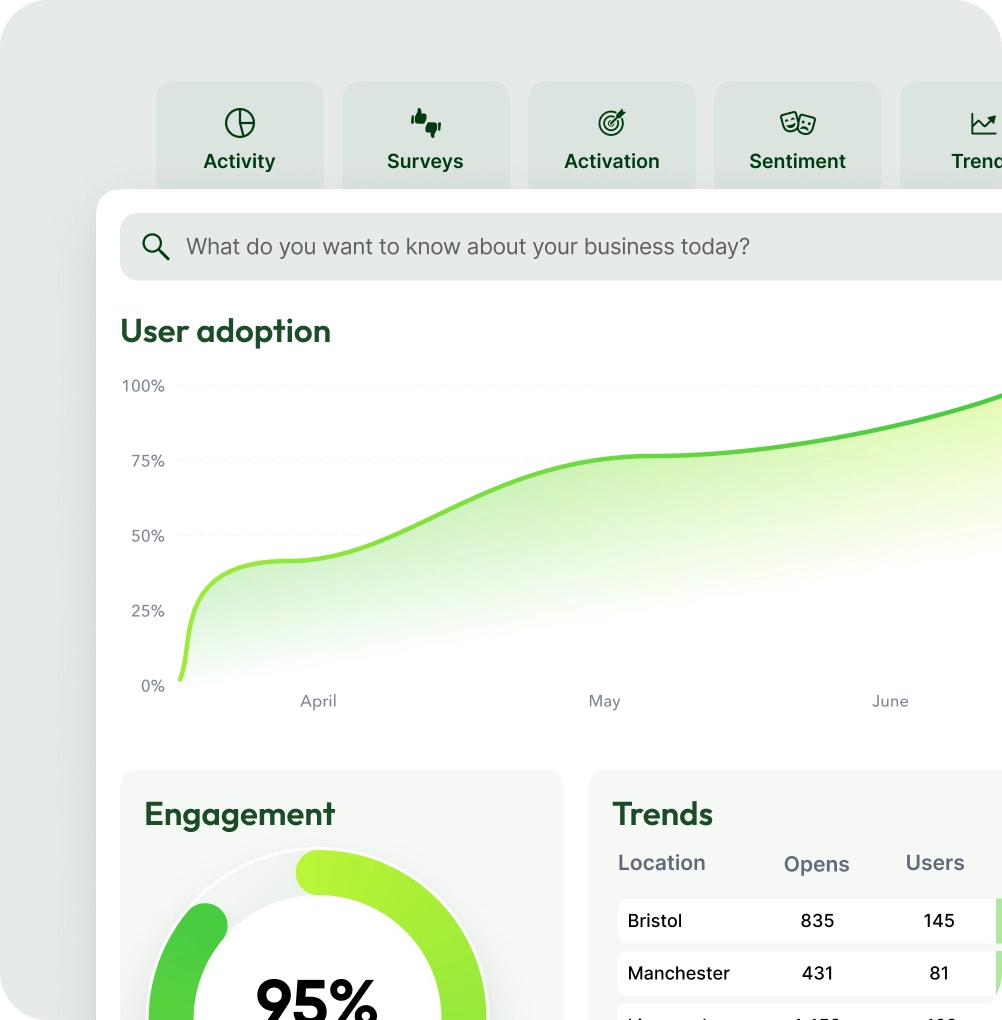
Dashboard showing user adoption growth from April to June, 95% engagement rate, and trends table with locations Bristol, Manchester, and their corresponding open and user counts.